
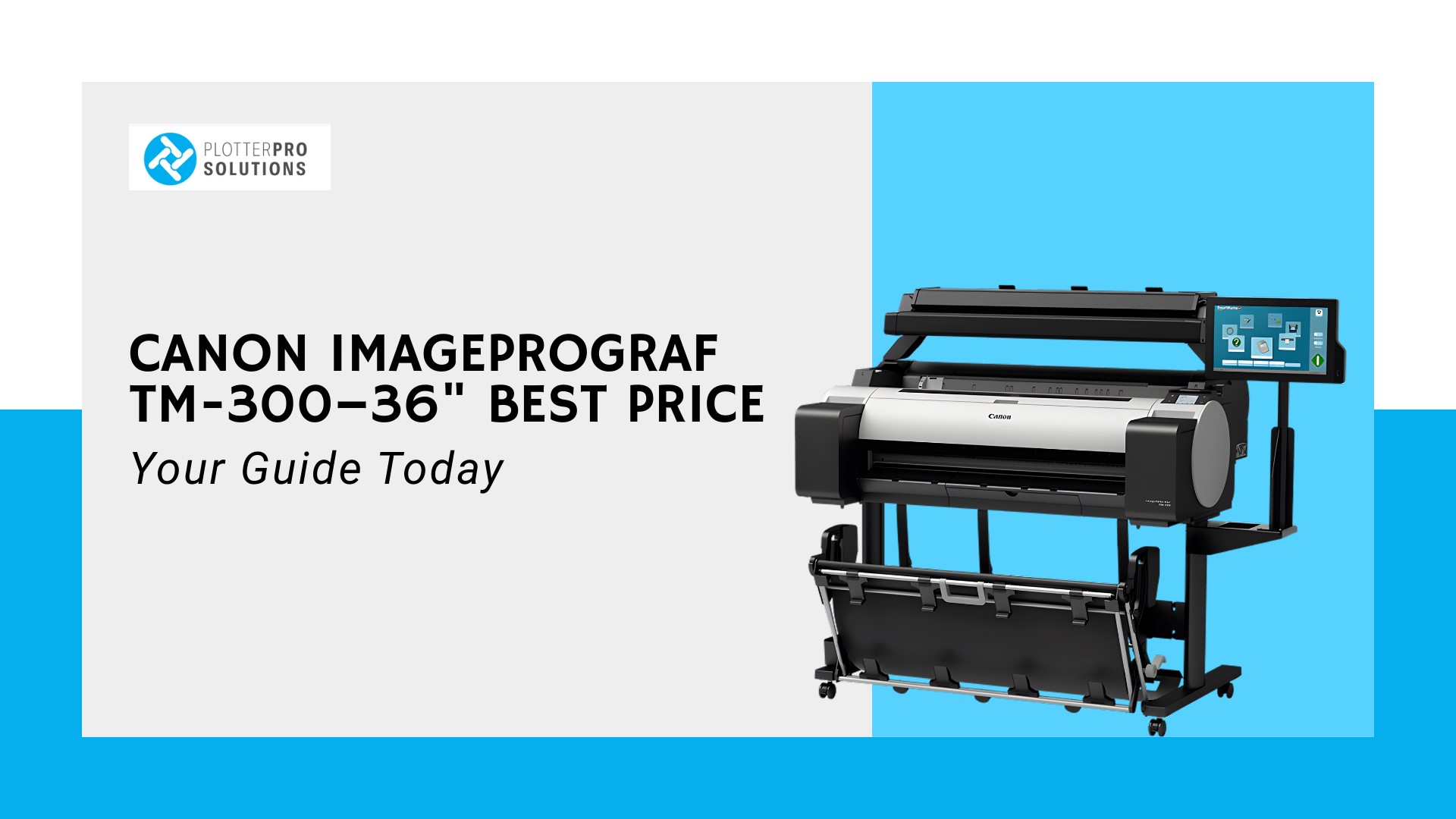
Looking for the Canon imagePROGRAF TM-300–36″ best price can feel overwhelming. With so many online deals, confusing specifications, and varying shipping costs, it’s easy to get lost. You might wonder which seller offers genuine savings or whether you’re overlooking hidden fees. This guide will clear the confusion. We’ll explore pricing strategies, key specifications, and where to safely buy the TM-300.
By the end, you’ll know how to get the best value without sacrificing quality. Whether you run a design studio, print shop, or professional photography business, this guide ensures smart decisions and a stress-free buying experience.
What Makes the Canon imagePROGRAF TM-300–36″ Worth the Investment?
The Canon imagePROGRAF TM-300–36″ is a top choice for professionals needing precise wide-format printing. Its high-resolution print capabilities deliver sharp details, making it perfect for architectural plans, large posters, and professional graphics. Speed is another major benefit; the printer handles large jobs efficiently, saving time in busy studios. Media versatility allows printing on various paper types, including glossy, matte, and technical sheets.
The printer’s reliability reduces downtime, which is crucial for businesses relying on consistent output. Designers and photographers often praise the TM-300 for accurate color reproduction. According to a 2025 Print Industry Journal report, 68% of design studios upgraded to wide-format printers for improved project turnaround. Investing in this printer ensures both quality and productivity for professional projects.
How Do You Compare the Canon imagePROGRAF TM-300–36 Price the Right Way?
Comparing prices for the TM-300 isn’t just about looking at the sticker price. You need to consider factors that affect total cost, from accessories to service plans. Here’s a detailed breakdown:
Key Pricing Factors Most Buyers Overlook
When evaluating the Canon imagePROGRAF TM-300–36″ best price, many ignore additional costs. Consumables like ink cartridges and print heads can add hundreds annually. Maintenance agreements, extended warranties, and even software licenses affect the total investment. For example, one studio bought a TM-300 from a low-cost third-party seller but spent $500 more on aftermarket ink cartridges within six months. Checking these factors upfront ensures true savings and prevents surprises.
Specs Matter When Comparing Wide-Format Printers
Specifications can dramatically affect performance. Print resolution, speed, and media handling directly influence output quality. A 36-inch poster printed at 1200 dpi on the TM-300 looks noticeably sharper than similar prints from lower-resolution models. For instance, a signage company reported cutting client revisions by 30% after switching to the TM-300, saving time and improving satisfaction. Understanding specs ensures the printer fits your workflow and delivers consistent results.
The Hidden Costs To Check Before You Buy
Even the best deals may hide extra expenses. Shipping fees, installation charges, and software setup often aren’t included in online listings. Also, consider energy consumption over time; a printer running several hours daily can increase operating costs.
Tips to avoid hidden costs:
- Check shipping and installation: Confirm charges before purchase.
- Factor in software licenses: Some features require paid add-ons.
- Plan for consumables: Budget for ink, paper, and maintenance kits.
Avoid Misleading Online “Best Price” Listings
Many online sellers advertise low prices, but not all are legitimate. Always verify authorized dealers for Canon products. Reading reviews helps identify seller reliability. Confirm return policies and warranty coverage to protect your investment. For example, an architecture firm avoided a $1,200 loss by purchasing from an authorized dealer rather than a low-cost, unknown website. Smart buyers prioritize transparency and credibility over small upfront discounts.
Where Can You Buy Canon imagePROGRAF TM-300 36″ Printer Online Safely?
Finding a safe place to purchase the Canon imagePROGRAF TM-300–36″ best price can be tricky. Many websites promise low costs but may lack proper warranties or support. Authorized dealers ensure you get genuine equipment, proper installation, and technical support if needed. Trusted online stores like PlotterPro provide clear pricing, optional financing, and verified customer reviews.
Checking the seller’s return policy and service agreements is crucial. For example, one design studio purchased from a non-authorized retailer and faced delays when service support was needed. Buying from a verified source protects your investment and guarantees you access to authorized consumables and professional assistance.
What Should You Expect From the Canon ImagePrograf TM-300 36″ Specifications?
Understanding the TM-300’s specifications is key to maximizing your investment. These specs influence speed, print quality, and versatility. Here’s a breakdown:
Print speed and performance breakdown
The TM-300 prints large-format jobs quickly and accurately. With speeds up to 4.5 pages per minute for A1-size prints, it suits busy offices or studios. Fast processing reduces project turnaround time. For example, a signage company printed 50 posters in under two hours, improving client delivery and satisfaction. High-speed performance paired with consistent quality helps professional users maintain deadlines without sacrificing detail.
Line accuracy and technical printing features
Precision matters in wide-format printing. The TM-300 offers 2400 x 1200 dpi resolution, ensuring sharp lines and fine details. Architects and engineers benefit from consistent measurements and true-to-scale output. A recent 2025 survey by the Print Technology Institute shows that 72% of professional studios prioritize line accuracy for technical documents, highlighting why this printer is trusted across industries.
Media handling and versatility
The TM-300 supports various media types, including coated, matte, and technical paper, plus rolls up to 36 inches wide.
Key benefits include:
- Flexibility: Print on different paper types for diverse projects without extra setup.
- Large format capacity: Supports multiple roll sizes to suit professional design or signage needs.
- Ease of media switching: Quickly change paper rolls for an uninterrupted workflow.
Who the TM-300 is built for (ideal users)
Ideal for design studios, photographers, and commercial printing shops, the TM-300 handles diverse project types. Users benefit from efficient workflow, high-quality results, and reduced revisions. Its features suit professionals needing consistent, high-resolution output for posters, banners, and technical prints.
Why Do Some Deals for the Canon TM-300 36″ Look Too Good to Be True?
Some online sellers advertise extremely low prices to attract buyers. However, these deals often hide costs or come from unauthorized sources. Understanding the risks prevents wasted money and frustration.
Common pitfalls include:
- Non-authorized dealers: May sell refurbished or counterfeit products without warranties.
- Hidden fees: Extra shipping, installation, or consumable costs can outweigh upfront savings.
- Limited or no support: Technical assistance may be unavailable, delaying critical projects.
- Outdated models or missing accessories: Some listings advertise the TM-300 but include fewer ink cartridges or omit software licenses.
For example, a professional print shop purchased from a low-cost online listing and later had to spend over $600 on replacement cartridges that were incompatible. Always check dealer credentials, warranty terms, and customer reviews to ensure true value.
How Do You Make Sure You’re Getting the Best Deals?

Getting the Canon imagePROGRAF TM-300–36″ best price requires more than spotting the lowest number online. Smart buyers focus on authorized sellers, warranty coverage, and total cost of ownership. Financing or leasing options may provide more value than upfront discounts. Additionally, bundles including extra ink or software can be better deals than standalone purchases.
For example, one design studio saved $450 by choosing a package from an authorized dealer rather than buying the printer and supplies separately. Check reviews, confirm shipping policies, and ask about support. Paying attention to these details ensures genuine savings and long-term satisfaction.
- Authorized sellers vs. third-party risks: Buying from authorized dealers guarantees genuine products, a full warranty, and access to original consumables. Third-party sellers may cut costs but risk shipping delays, counterfeit parts, or invalid warranties.
- Warranty and service considerations: Extended service plans and on-site support protect your investment. A 2025 study by the Printing Equipment Association found that printers with proper service agreements reduce downtime by 35%, saving businesses both time and money.
- Bundle offers vs. standalone pricing: Bundles often include consumables or software at discounted rates. Always compare the total value rather than the base printer price alone.
- When to wait for seasonal promotions: Sometimes waiting for end-of-quarter or holiday deals results in higher-value savings. Combine promotions with financing for maximum benefit.
Is the Canon imagePROGRAF TM-300–36″ Best Price Always the Best Choice?
The lowest price doesn’t always mean the best deal. Consider service, reliability, and included accessories. A printer purchased cheaply may lead to higher maintenance or consumable costs later. For instance, a small architecture firm bought a discounted unit from a non-authorized seller and spent $300 more on compatible ink in six months.
Finding the right balance between the initial purchase price and the total cost of ownership is essential for making informed buying decisions. True value isn’t just about the upfront cost; it also encompasses factors such as support, performance, and warranty protection. By considering these elements together, consumers can make smarter and more cost-effective choices.
The Bottom Line
Finding the Canon imagePROGRAF TM-300–36″ best price is about more than a number; it’s about smart comparison, understanding specifications, and ensuring proper support. By considering authorized dealers, bundled offers, and total cost, you can confidently invest in a printer that meets your professional needs. You can explore Canon imagePROGRAF TM-300–36″ deals at PlotterPro today and secure expert guidance, genuine products, and guaranteed savings.
FAQs
Q1: Where can I find the Canon imagePROGRAF TM-300–36″ best price online?
Authorized dealers like PlotterPro offer genuine products with warranties, financing options, and verified customer reviews for safe online purchases.
Q2: What are the main features of the Canon ImagePrograf TM-300 36″?
It offers 2400 x 1200 dpi resolution, fast printing speeds, versatile media handling, and consistent wide-format output for professional use.
Q3: How can I compare Canon imagePROGRAF TM-300–36 price effectively?
Check base cost, consumables, software licenses, warranties, and total ownership costs to identify the best value for your needs.
Q4: Are bundle offers better than standalone TM-300 purchases?
Often, yes. Bundles include ink, software, or service plans, offering more value than a low-priced standalone printer.
Q5: Is buying the lowest-priced TM-300 always the smartest choice?
Not always. Prioritize authorized sellers, warranties, and total cost of ownership to avoid hidden expenses and ensure reliability.